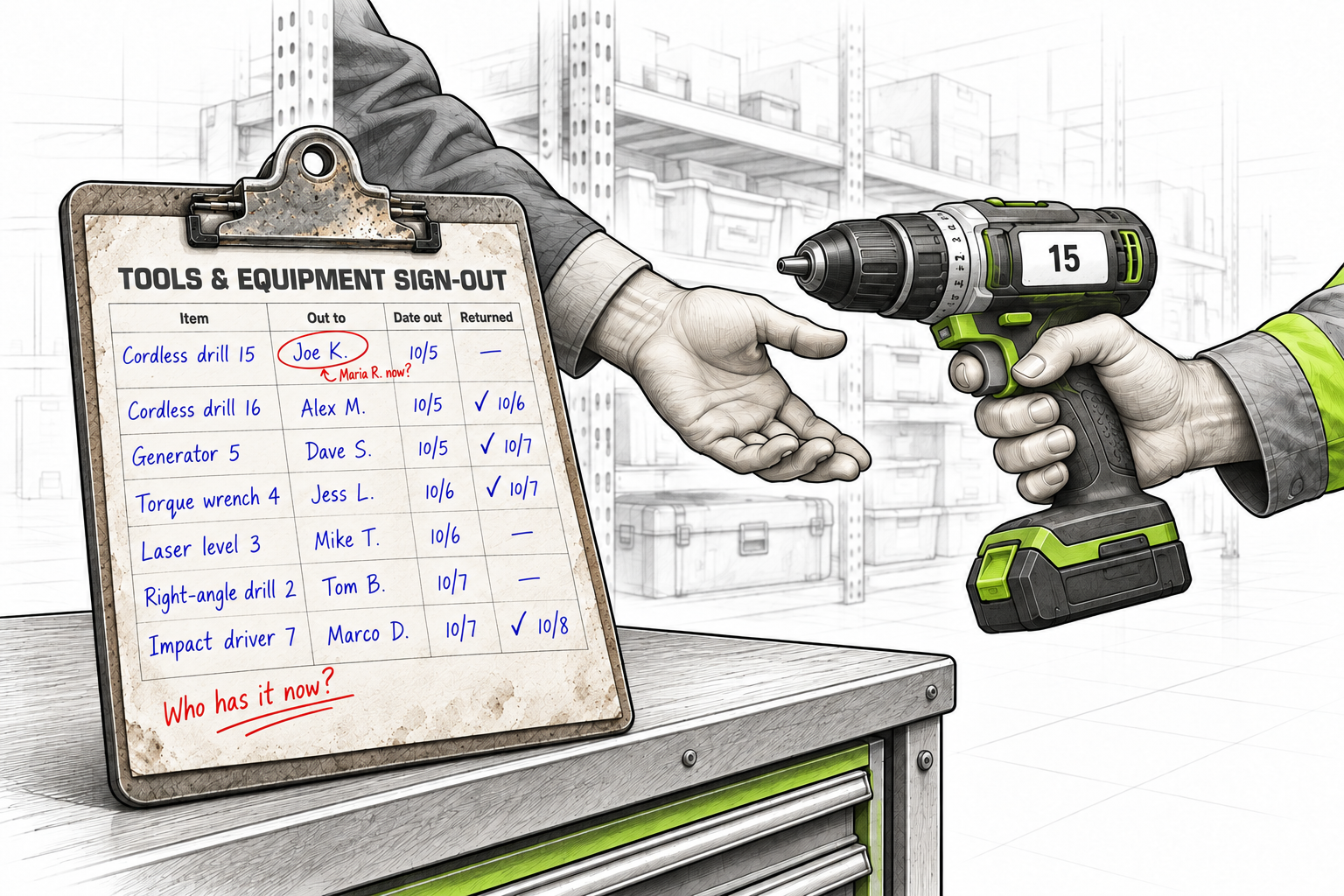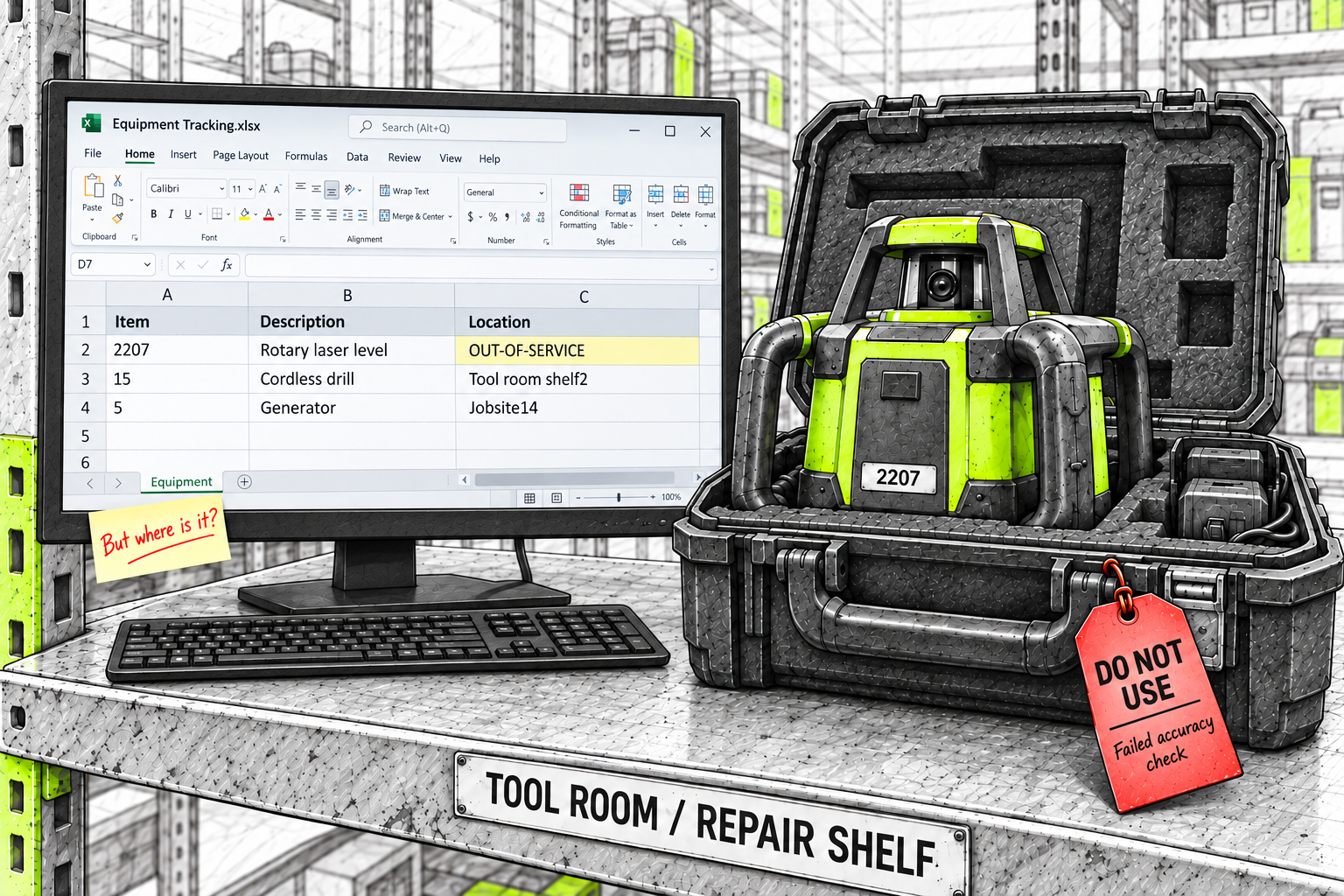
A crew returns a rotary laser level that has failed an accuracy check. The stockroom manager tags it DO NOT USE and puts it on the repair shelf.
On the equipment spreadsheet, someone changes its location to OUT-OF-SERVICE.
That tells the next person it shouldn’t be used. But it replaces the answer to where it is.
A week later, the level has moved to a technician’s bench. The spreadsheet still says OUT-OF-SERVICE. Finding it means checking shelves and asking around.
The team knows why the level was set aside. What they need now is where to find it.
The workaround solves one problem and creates another
The team needed a way to warn people that equipment wasn’t ready to use. They already had a location column on the spreadsheet, so OUT-OF-SERVICE went there. It was a quick way to make the problem visible.
But now that column does two jobs. Some entries identify shelves and jobsites. Others describe an item’s condition. The team has to work out which kind of answer they’re looking at.
The cost appears when someone needs to act. A supervisor walks the shelves to find equipment that needs attention. A crew waits while someone checks whether a level is ready. The team considers renting another because the spreadsheet doesn’t show where the first one is or whether anyone has cleared it for use.
The information may exist. It’s on a tag, in a message, or in someone’s memory. Getting an answer means pulling those pieces together again.
A physical repair shelf isn’t the problem. The difficulty is using a location name as the only way to explain an item’s condition.
Location and status answer different questions
Location tells you where an item is. Status tells you its current operational state. The laser level can be on the repair shelf and Out of Service at the same time. Neither answer needs to replace the other.
An item doesn’t have to be broken to be unavailable. New laptops or tablets may be on the IT setup shelf, received but awaiting configuration and placement in service. The team needs to know where they are and whether they’re ready to issue.
The same distinction applies to inventory commitments. Parts allocated to a job may still be sitting on their existing shelf. Their location tells the warehouse where to find them. Their job allocation explains why that stock is already committed.
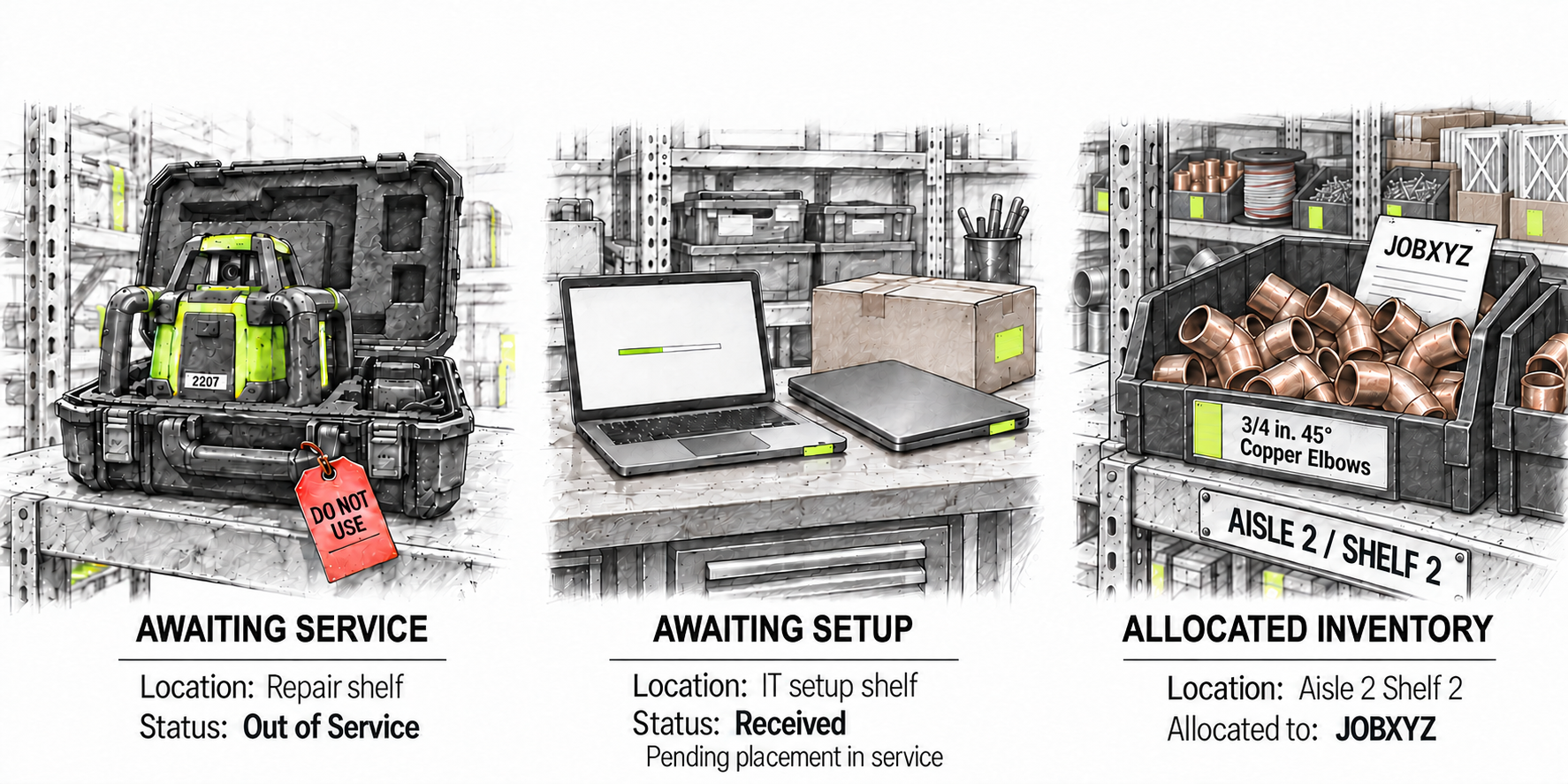
A shelf location alone doesn’t explain whether its contents are ready, awaiting setup, or committed elsewhere. Renaming the location to describe those situations makes it harder to keep the physical picture clear.
A spreadsheet or whiteboard may be the team’s day-to-day tracking method, even when the business also uses an ERP. ERP capabilities vary by product and setup. What matters is whether the record people use keeps physical location separate from readiness and job commitments.
How Panatrack fills the gap
Panatrack gives status, physical location, and job assignments their own places in the record. Your team can explain why something isn’t available without replacing the answer to where it is. It tracks assets, tools, equipment, parts, and inventory, either on its own or alongside your ERP.
Keep unavailable equipment off the checkout list
For the laser level, the crib manager marks it Out of Service while keeping its location as the repair shelf. The record shows both where to find it and that it isn’t ready for another job.
When someone checks out equipment, that level won’t appear among the available choices. If someone picks up the level, a quick scan shows that it’s out of service. Panatrack uses that status to keep the item off the checkout list.
Knowing whether equipment is ready is one part of the picture. Knowing who owns it and who has it matters too.
Know which assets are ready to issue
Keep job commitments visible while stock stays on the shelf
Parts allocated to a job can stay on their existing shelf. Panatrack keeps the job assignment and physical location separate, so the team can see what is committed and where to find it without renaming a location to match the job.
Allocating stock to a job is also different from using it. The job record can show what was allocated, with usage recorded as the parts are consumed. That helps the team follow the inventory beyond the initial commitment.
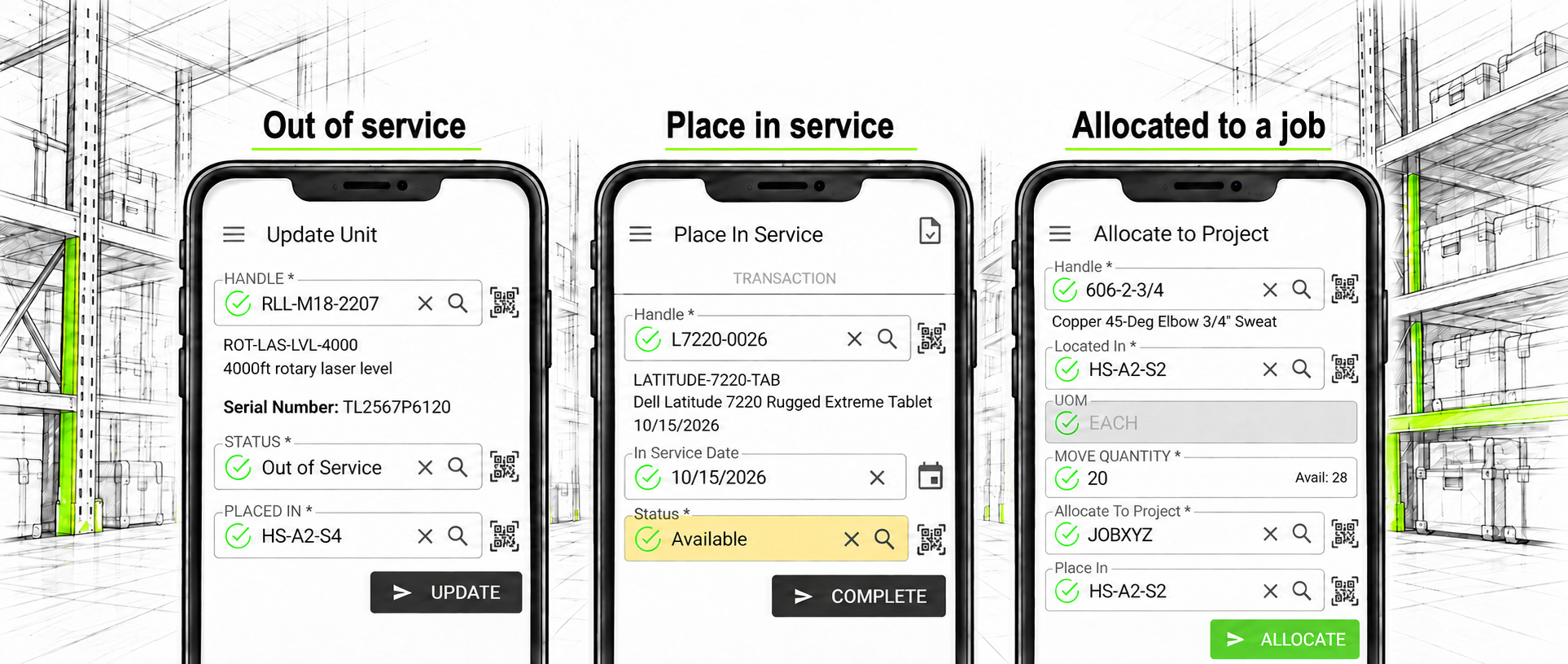
As people record changes, Panatrack keeps a history of who did what and when. The current record shows what the team needs to know today. The history helps explain how the item got there. Physical moves still need to be recorded, but a change in readiness or job assignment doesn’t have to erase the location.
What clearer visibility gives back
When a location field has to explain everything, people spend time translating it. Someone walks out to check the repair shelf. Another person asks IT whether the new assets are ready. A warehouse employee checks which job a bin of parts was set aside for.
Keeping those facts visible can reduce the calls and searching needed to answer everyday questions. It also gives planners a clearer picture before they promise equipment, issue stock, or arrange a replacement.
Start with one location name in your own system. Does it identify a physical place, or explain a condition or commitment? If someone unfamiliar with the shorthand needed the item, could they find it and tell whether it was available?
For the laser level, the answer shouldn’t require a choice between knowing where it is and knowing that it shouldn’t be used.
If your team uses a location name to explain an item’s status, we’d like to hear how it works. Tell us what you’re tracking and where the record gets difficult to follow. We can show you how Panatrack could help keep location and operational status clear.