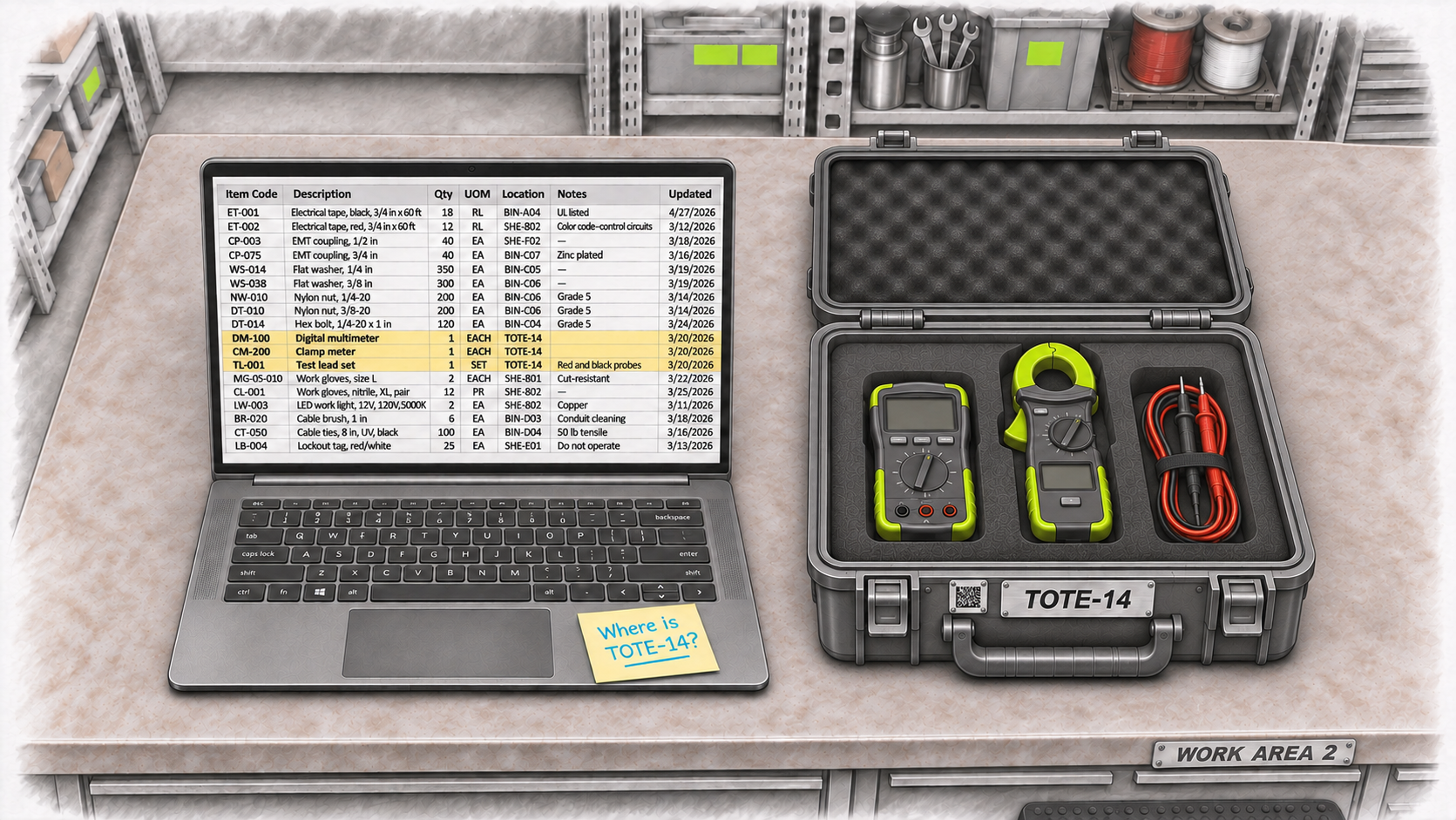
The maintenance team keeps a multimeter, clamp meter, and test-lead set together in a carrying case labelled TOTE-14. When someone needs the testing kit, they take the case.
On Monday afternoon, the case is moved from the stockroom to Work Area 2, where a crew is preparing for its next job.
The next morning, another technician goes to the stockroom to collect the kit. The case isn’t there.
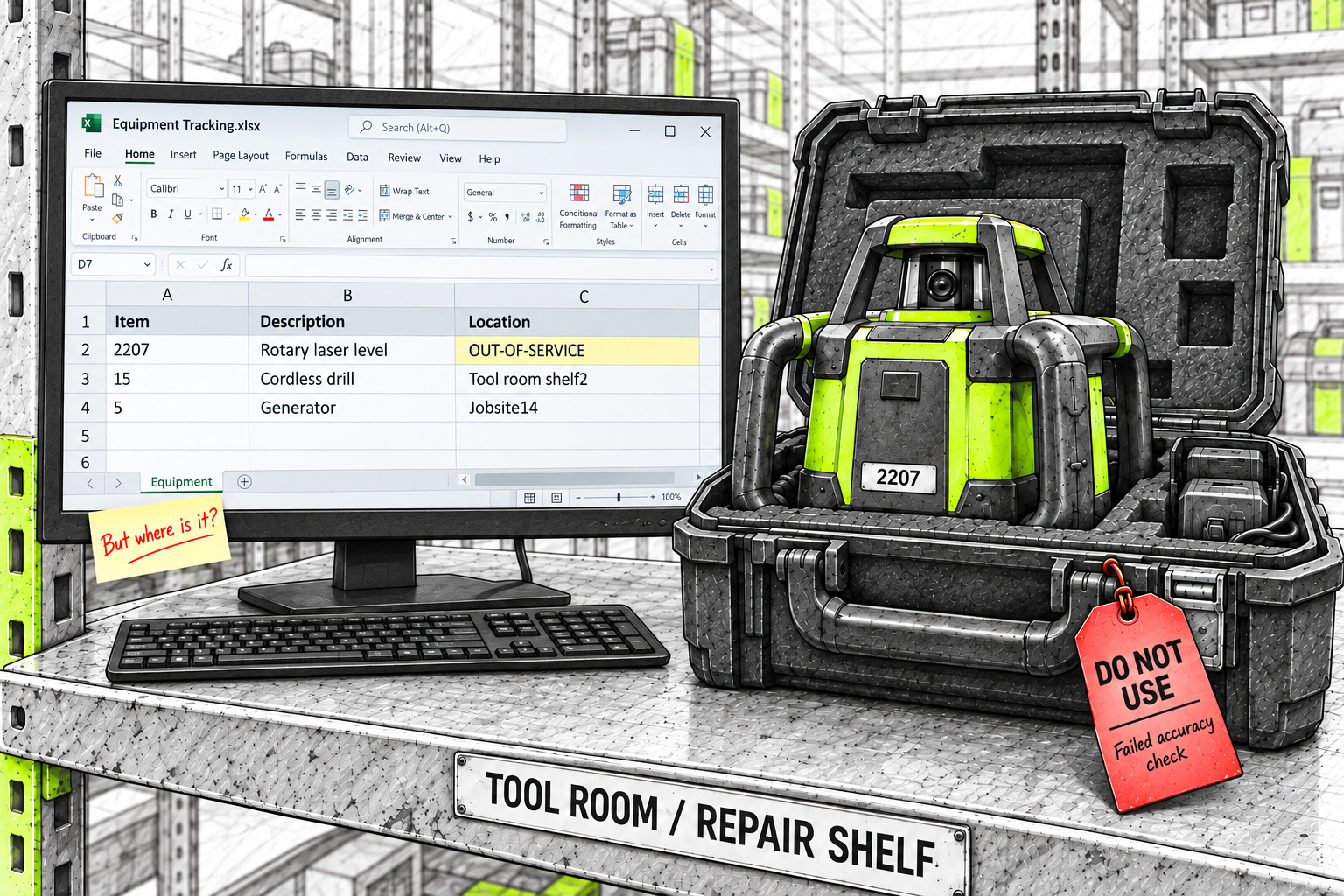
The equipment spreadsheet lists all three items with TOTE-14 in the location column. It identifies the case holding the equipment, but not the physical place where someone can find it.
The technician checks the usual shelves and asks the supervisor. Eventually, they reach the person who moved the case and learn it is in Work Area 2.
The kit was ready to collect. Finding its case still interrupted several people because the record couldn’t point them to its physical location.
Where the workaround starts
The team needed a way to show which items were stored together in the case. Their spreadsheet already had a location column, so they entered TOTE-14 there. It was a quick way to identify the container using a field they already had.
The same workaround can appear when a truck is set up as a site or a toolbox number goes into a spreadsheet’s location column. The record identifies what holds the items. Tracking where that container goes becomes another task.
The case’s whereabouts may be kept on a whiteboard, in a message, or in someone’s memory. When the case moves again, those details need to catch up. Otherwise, the next person repeats the search.
Using a container number as a location isn’t automatically a problem. The gap appears when the record has no separate way to show where that container currently sits and keep its contents connected as it moves.
ERP and inventory capabilities vary. What matters is whether the setup your team uses can answer both questions without relying on a second list or a call to the warehouse.
A container has a location of its own
TOTE-14 identifies the case. Work Area 2 tells the team where to find it. The multimeter, clamp meter, and test leads are its contents.
Those facts belong together. When the case moves, its location changes. The equipment can remain in the same case, with its connection to that container still recorded.
The same distinction applies to a cart carrying laptops between departments, a job box holding equipment, or cartons kept together on a pallet. The container has an identity and recorded contents. It also has a location that can change.
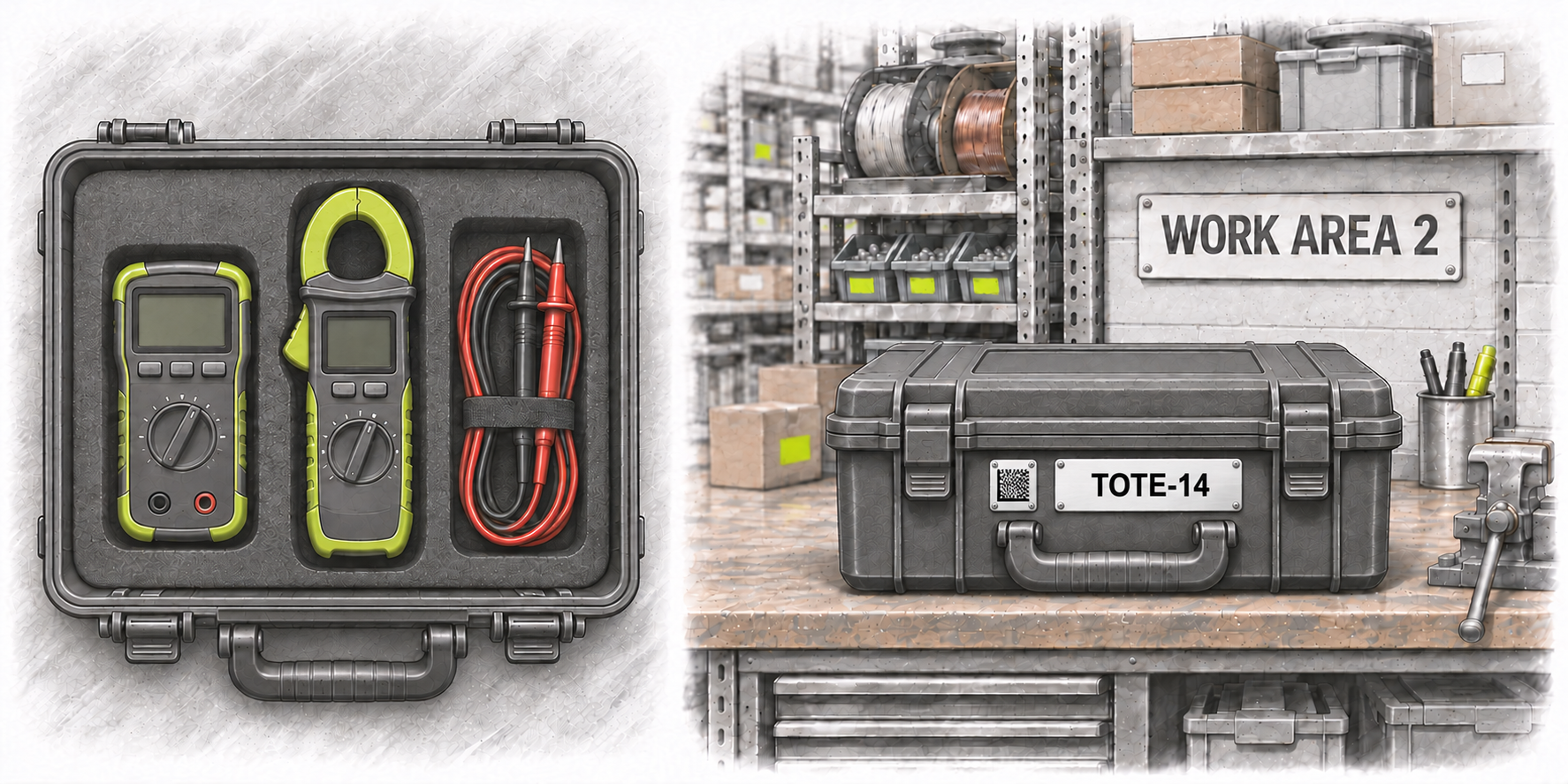
The benefit is practical. Someone collecting the kit can see where its case is recorded. Someone moving the case can update the group without repeating the move for each item inside.
How Panatrack keeps the container and its contents connected
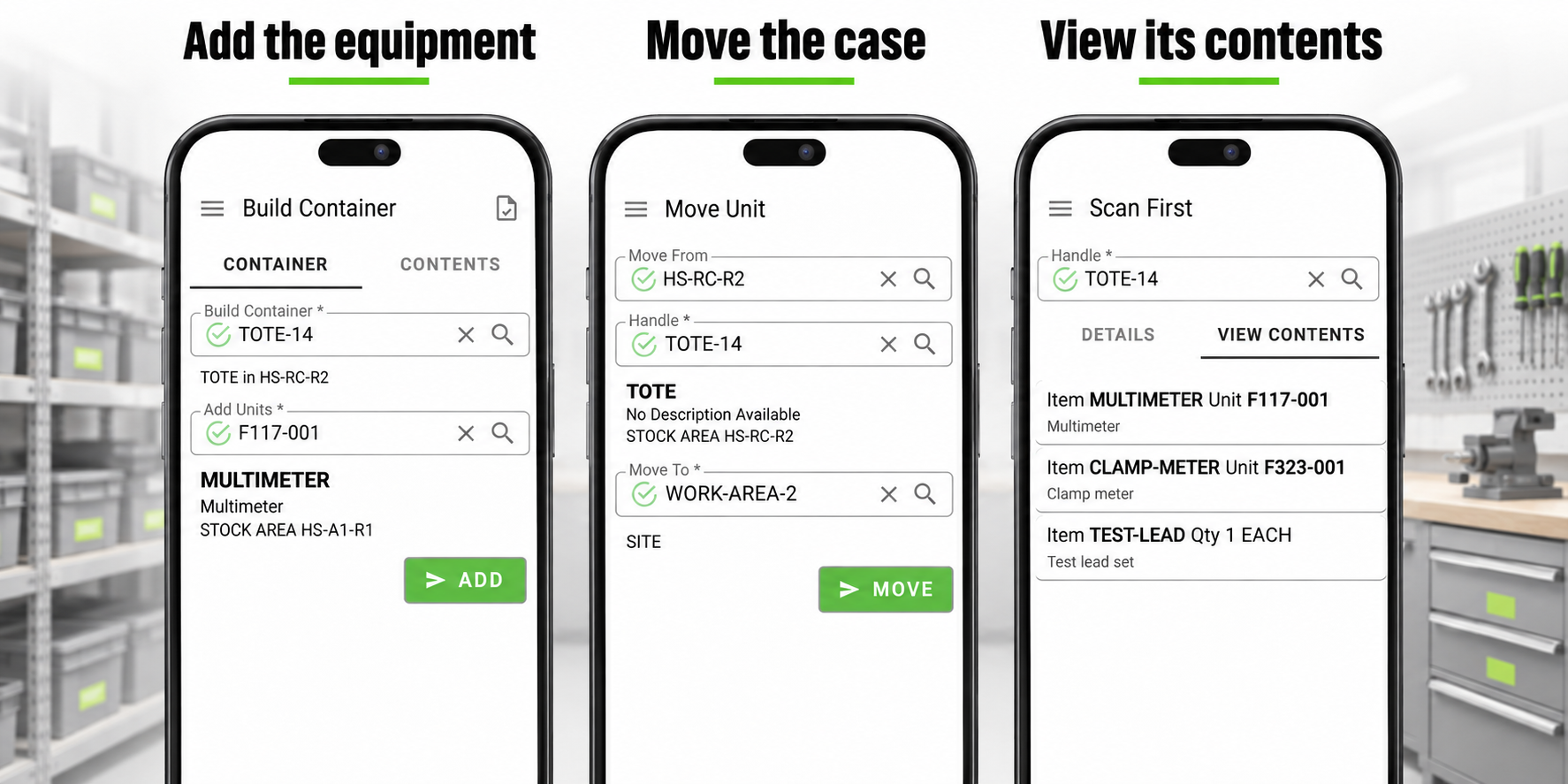
Panatrack ST gives movable containers their own records, separate from their physical locations. The team records what is inside each container and where it sits. When the container is moved in the system, its recorded contents move with it.
The same approach supports tools, equipment, assets, parts, and inventory. Panatrack ST can work on its own or alongside your ERP.
Give the case its own record
TOTE-14 has its own barcode and container record. The team records the items and quantities packed inside. Its physical location is recorded separately, so the case’s identity doesn’t have to stand in for where it sits.
A scan gives the next person a way to look up the recorded contents. They don’t need to open the case or find the person who packed it just to check what should be inside.
Record the move once for the container
When TOTE-14 moves from the stockroom to Work Area 2, the team records the container’s move. Its recorded contents follow it to that destination.
The case keeps its identity while its location changes. The record can show both TOTE-14 and Work Area 2, giving the next person somewhere to look.
That reduces the work involved in keeping the record current. The person moving the case doesn’t need to repeat the same move for each item already recorded inside it.
Keep containers inside containers connected
Some groups have more than one layer. Parts sit inside a carton, and that carton sits on a pallet. Panatrack supports containers inside other containers, keeping those relationships in the record.
When the larger container moves, its recorded contents move with it, including the containers inside. The team can follow the group without fitting the whole arrangement into a location name.
Panatrack also supports configurable container rules and details such as attributes, weights, and dimensions. That gives the container its own useful information instead of putting everything into a location name or description.
What clearer visibility gives back
Back in the stockroom, the technician looks up TOTE-14 and sees its recorded contents and location in Work Area 2. They can collect the case without calling around to find out who moved it.
Each search avoided means fewer interruptions for the people answering questions and less waiting for the people who need the equipment. Recording the container’s move also saves the effort of repeating that update for every item already inside.
Clearer records can help the team check what it already has before ordering replacements. Equipment sitting in a case elsewhere in the building is easier to account for when its container and location stay connected.
The case will keep moving as work changes. Keeping its contents and location connected helps the next person find what they need and get on with the job.
Tell us what moves through your operation and where tracking it becomes difficult. Our team will follow up to learn more and discuss how Panatrack could help.